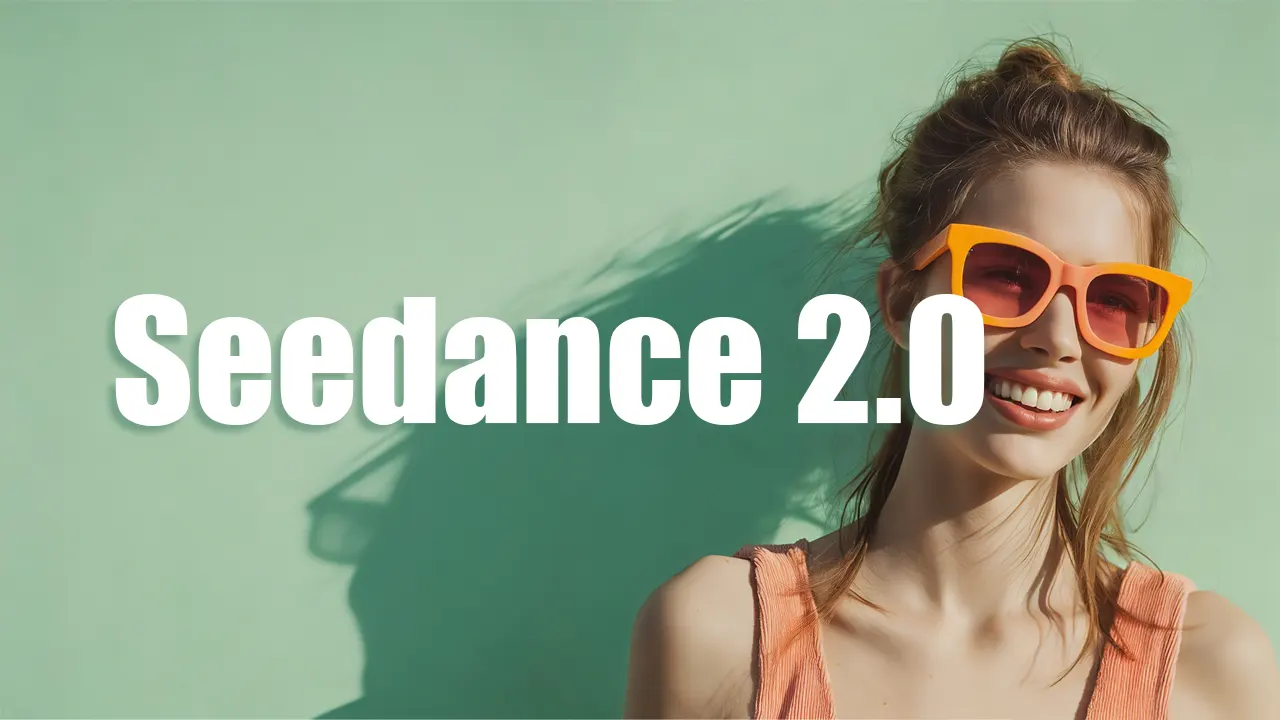
That’s where the Seedance 2.0 Guide comes in — showing you step by step how to streamline video production, reduce costs, and create high-quality marketing content without the usual bottlenecks.
Social feeds want volume. Campaigns shift every week. So we’ve been looking at lighter workflows—including next-gen generators like the Seedance 2.0 video generator—to see where they actually help. This Seedance 2.0 guide shares what we’ve learned: when to use them, what to watch for, and how to get better results without a full production pipeline.
Why Video Demand Outruns Old Workflows
Teams are publishing more video than ever: product explainers, social clips, demo reels, landing page spots, ad variations, background footage. Video works almost everywhere—but traditional production doesn’t scale with that demand.
The bottleneck isn’t ideas. It’s how fast you can turn them into something you can ship. When every campaign needs multiple cuts and formats, the old playbook starts to slow everything down.
Where Traditional Production Gets in the Way
Full-scale shoots still deliver for big moments. They’re just not built for constant output. You run into scheduling, budget approvals, multi-round edits, reshoot risk, and vendor back-and-forth. For fast tests or social publishing, that’s a mismatch: marketing wants to move quickly; production can’t keep up.
So a lot of teams end up publishing less video than they’d like—not because it isn’t valuable, but because it’s hard to do over and over.
Where a Seedance 2.0–Style Workflow Fits
AI-assisted video isn’t about replacing studios. It’s about shipping more everyday content without the usual friction. Tools in this space—including the upcoming Seedance 2.0 video generator—make the most sense when speed and flexibility matter more than cinematic perfection.
Where we’ve seen it help:
- Quick product visuals — Multiple styles or environments without staging real shoots.
- Social content — Short, punchy clips that don’t need a full crew.
- Concept and process visuals — Abstract ideas are often easier to generate than to film.
- Atmosphere and B-roll — Mood and filler shots are a natural fit for generators.
- Testing creative direction — Try a look or vibe before committing to expensive production.
Know what it’s good at (and what it isn’t). Generators are strong for volume and experiments—weaker for celebrity likeness, specific real locations, or high-end cinematic ads.
What Actually Matters in a Video Generator
For marketing, practical output matters more than specs. When we evaluate something like Seedance 2.0, we care about:
Resolution. Feeds expect HD or better. Grainy or low-detail output kills credibility fast.
Stable motion. Subjects and scenes should stay coherent through the clip. Jitter or morphing is the first thing people notice.
Shot variety. Multi-angle or multi-scene capability makes outputs more usable across campaigns.
Aspect ratios. You’ll need vertical, square, and widescreen. Built-in options save a lot of re-export hassle.
Iteration speed. Faster turnaround encourages trying more ideas—which usually means better final creatives.
How to Get Better Results From Generated Video
Output quality depends a lot on how you prompt and what you do after. Small changes here often make a big difference.
- Be specific in your prompts
- Vague prompts give generic visuals. Add lighting mood, environment detail, camera feel, and how the subject should behave. That level of detail steers composition and style.
- Use reference images
- References help lock in tone, color, and character consistency—especially when you’re aligning with brand guidelines.
- Polish after generation
- Treat generation as step one. A quick pass in an editor—color, tighter cuts, captions, sound—makes the result feel more finished. We usually do at least a light grade before publishing.
- Mix with real footage
- Combining generated clips with real shots often feels more natural than going fully synthetic. Use generators for what they’re good at; fill the rest with real assets.
Seedance 2.0 and the Shift to Faster Video Creation
The Seedance 2.0 video generator is built around creator and marketer needs: faster visual production from text and images, better motion quality, and output that’s ready for social and ads. It’s still in pre-release, but it reflects where things are going—quicker cycles and more accessible production.
One caveat we’ve run into with this category in general: it’s not great yet for hyper-realistic faces or location-specific shoots. For volume, tests, and supporting visuals, it’s worth watching closely.
You Don’t Have to Wait to Start
Seedance 2.0 is on the way—but you can already build habits and workflows with the tools available now. Try current video generators on your platform, see what fits your process, and you’ll be in a better place when the new model drops.
Pick one use case, run a few experiments, then scale from there. That’s the mindset this Seedance 2.0 guide is built around: ship more video without waiting on a full production team.