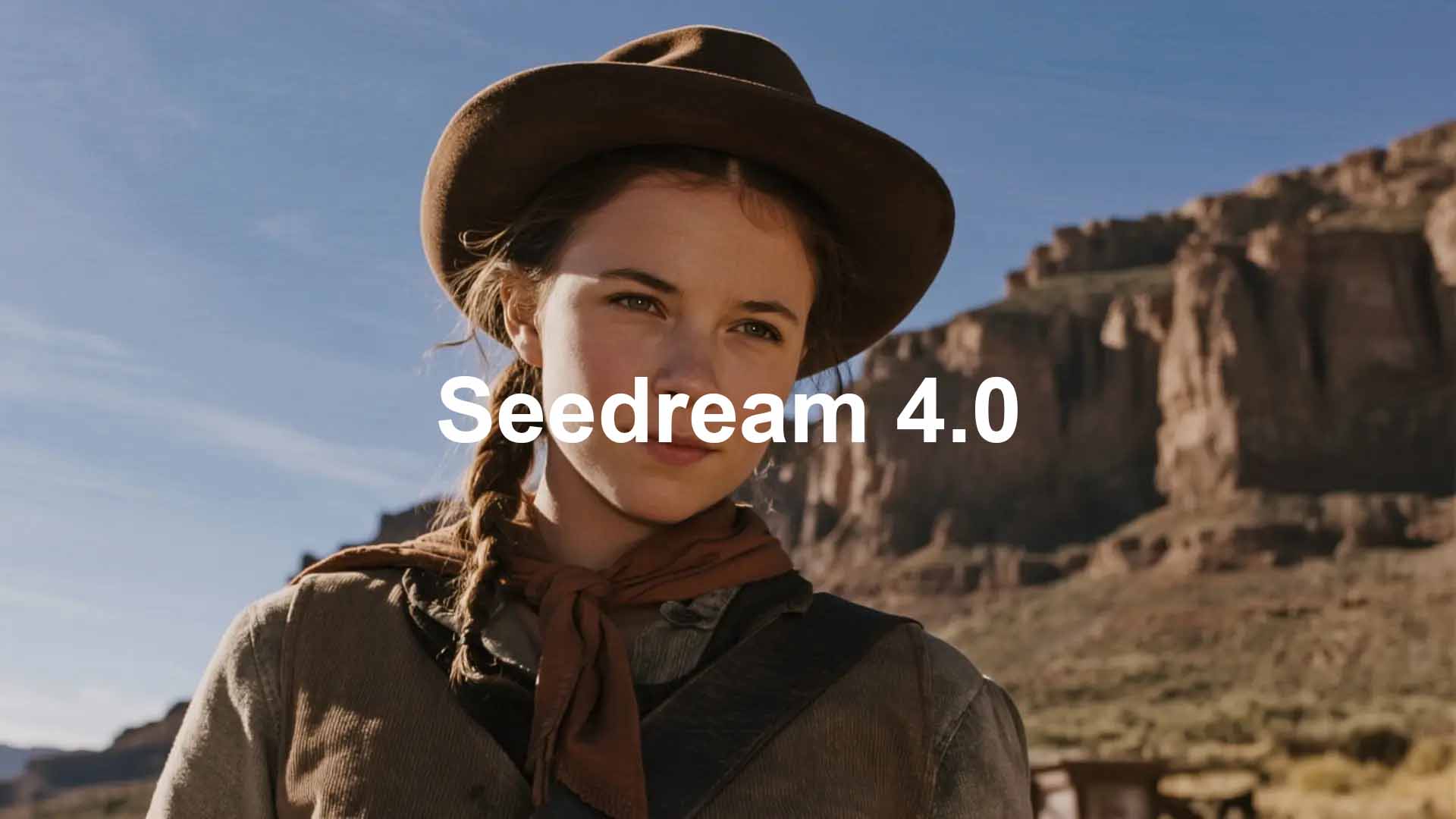
As AI image-editing models surge, teams keep asking for the same three things: speed, quality, and consistency. Seedream 4.0 image creation on A2E delivers all three. It turns 2K images into polished results in seconds and scales up to 4K when production headroom is needed. From day one, these capabilities are in the hands of creators and businesses worldwide.

Compose, Edit, Generate in One Model
Seedream 4.0 is a multi-purpose image model that unifies text-to-image, image editing, and multi-image composition. With plain-English instructions, it can add, remove, replace, restyle, and reference elements and it accepts multiple source images to build a coherent new scene.
Key capabilities
- Three modes, one model → text-to-image, edit, multi-image in a single model
- Multi-image composition → blend subjects, backgrounds, and style references coherently
- Rapid iteration → produce 2K in seconds; scale to 4K for production assets
- Instructional editing → natural-language add/remove/replace/restyle/reference operations
- Variation sets → generate coordinated families of outputs for campaigns and catalogs
Built for real commercial work
Go beyond one-offs. Turn a blueprint into a photoreal room, convert a flat 2D box render into a convincing 3D-like packshot, or expand a single logo into a full spread of product mockups. For day-to-day advertising tasks, hero images, social cut-downs. Seedream 4.0 provides a reliable foundation you can scale.

Frame-to-frame continuity
Keeping visual identity stable across changing shots is the hard part of AI-made ads and educational content. Seedream 4.0 helps teams produce consistent, fluid, high-quality frames, up to 4K that read as one story. Pair these outputs with first/last-frame video workflows on fal to connect scenes smoothly for storyboards, animatics, and short spots.

Creative control toolbox
- Transfer style to reinterpret the same scene without losing structure
- Generate depth cues to anchor layout and perspective
- Maintain pose for continuity across frames or angles
- Relight from soft rim to golden hour to low-key
- Adjust camera intent within the scene (subtle angle and FOV changes)
- Inpaint for pinpoint fixes without rebuilding the whole image
Creative scenarios

Commercial design
Turn blueprints into photoreal rooms; convert flat dielines into convincing packshots; expand one logo into a full family of product mockups; deliver consistent hero images.

Artistic creation
Remix styles without losing structure; rapidly ideate across lighting, composition, and material variants; generate depth/pose/edge sketches (e.g., depth maps, openpose skeletons, canny/line-art) to anchor downstream workflows

Entertainment & media
Build character turnarounds and expression sheets; maintain identity across scene changes; produce frame families that pair cleanly with first/last-frame video workflows on fal for smooth story beats.
Example: