Most teams searching for the best AI video generator for marketing are not really asking for a beauty contest. They are trying to pick the fastest path to usable ads, product videos, social variations, or presenter-style explainers without wasting budget on pretty demos that collapse in production.
Quick answer
The best AI video generator for marketing depends on the job. Prompt-to-video works best for rapid ad ideation, image-to-video is stronger when brand visuals must stay consistent, product-demo workflows fit ecommerce and landing pages, and avatar or talking-photo formats are better for script-led explainers. The right decision comes from testing one brief across the same workflow criteria, not from trusting vendor positioning.
Test video workflows in A2E
Use one campaign brief, one set of source assets, and one review rubric so your team can compare outputs under the same conditions before committing to a wider workflow.
What marketing teams are actually comparing
In practice, marketers do not choose an AI video tool only on visual quality. They are comparing how quickly a team can go from idea to draft, how easy it is to keep a product or brand consistent, how many revisions are needed before approval, and whether non-specialists can repeat the workflow next week under deadline pressure.
That is why a generic "best AI video generator" roundup often fails. It treats every marketing job as if it were the same. A paid social team testing hooks, an ecommerce team building product clips, and a lifecycle team making explainer content do not need the same workflow. The better question is which format gets your team to a usable marketing asset faster.
If you want adjacent workflow context, start with AI video generator for ads and AI product video generator. Those pages frame the same decision from campaign and commerce angles rather than from a generic tools list.
Comparison criteria that actually matter
- Speed to first usable draft. A workflow that creates a publishable concept in 20 minutes is more valuable than one that produces a beautiful but unstable demo after six retries.
- Control over brand inputs. Marketing teams often need product photos, logos, packaging, campaign scenes, and reference images to stay recognizable from draft to draft.
- Revision efficiency. If every change forces a full regeneration, the workflow gets expensive fast. Editability matters more than headline quality in most campaign environments.
- Repeatability across teammates. The winning workflow is not the one that works once for an expert. It is the one a growth marketer, content lead, or designer can repeat with a shared brief and clear review criteria.
Best option by marketing use case
If the job is fast paid creative testing, prompt-to-video or UGC-style video workflows usually win first. They are useful when the team needs multiple hooks, angles, and script variations quickly, especially before heavier editing begins.
If the job is ecommerce or product-led marketing, image-to-video and product-demo workflows usually perform better. They let teams start from approved visuals and maintain tighter control over packaging, framing, and product detail. That matters far more than cinematic style when the goal is conversion clarity.
If the job is a script-led explainer, testimonial simulation, or founder-style message, avatar or talking-photo formats are often the stronger choice. They can reduce production friction because the workflow is built around delivery, clarity, and iteration rather than scene generation.
If the goal is broader campaign concepting, the best option is often not one single generator at all. It is a workflow surface where the team can compare formats under the same brief, keep the review process consistent, and route each use case to the right creation path. That is where a platform workflow beats a one-model obsession.
How to choose the right route
- Use prompt-to-video first when you need concept volume for paid social or campaign ideation.
- Use product- or image-led workflows when visual consistency matters more than novelty.
- Use avatar or presenter flows when the message and script need to stay stable across revisions.
- Keep one brief, one asset pack, and one approval checklist so the comparison stays honest.
- Track which workflow reaches an internally approved draft with the fewest retries, not just which output looks best in isolation.
What to test before rolling a workflow into production
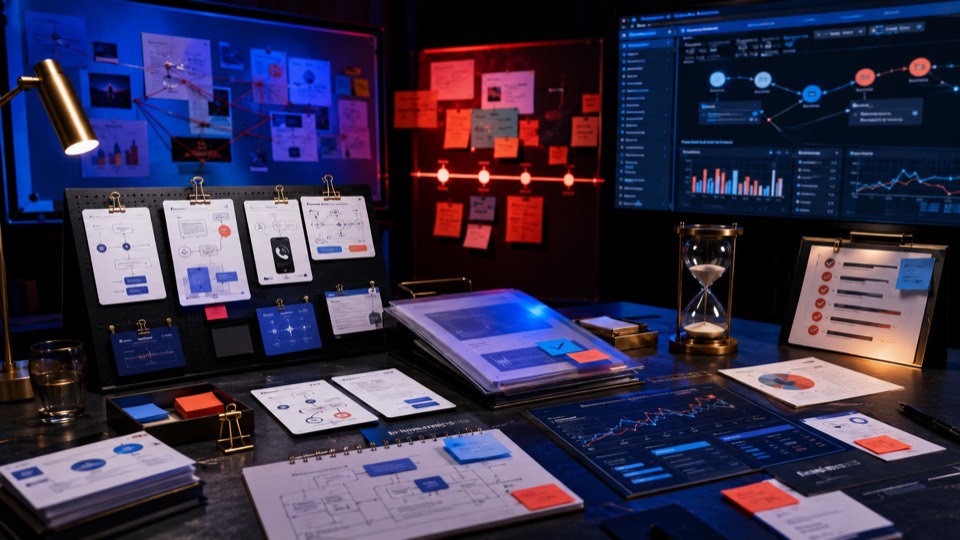
Before a marketing team calls any AI video generator the best option, it should run a controlled test. Pick one real campaign brief. Use the same audience, offer, script direction, and asset pack. Then compare four things: time to first draft, time to approved revision, consistency of brand visuals, and amount of manual cleanup required after generation.
That test usually reveals whether a workflow belongs in ideation, production, or not at all. Some workflows are great for fast creative exploration but weak for product accuracy. Others are excellent for explainers but poor for high-volume ad variation. The right decision is usually narrower and more use-case-specific than vendor copy implies.
Teams should also verify rights, disclosure expectations, and final-channel fit before rollout. A draft that looks useful in a browser tab is not automatically ready for Meta ads, TikTok creative, ecommerce PDPs, or lifecycle campaigns. The workflow has to survive real publishing constraints.
For practical rollout decisions, it also helps to review your cost and usage model against A2E pricing so the workflow can be tested under the same budget assumptions you would use in production.
Bottom line
The best AI video generator for marketing is not a universal winner. It is the workflow that helps your team produce better drafts, faster revisions, and more reliable outputs for the specific kind of marketing asset you need. If a page does not help the reader map that decision to a real use case, it is still too generic to be useful.
FAQ
What is the best AI video generator for marketing teams?
There is no single winner for every team. The best option depends on whether you need fast ad ideation, product-demo control, script-led explainers, or high-volume campaign testing. The right way to choose is to compare workflows against one real marketing brief.
What matters more than raw video quality?
Iteration speed, brand consistency, editability, and repeatability usually matter more than raw visual quality. Marketing workflows succeed when teams can reach an approved draft efficiently, not when a single output looks impressive in isolation.
Should marketing teams compare tools or workflows?
They should compare workflows. A tool only becomes useful when the team knows what use case it fits, what inputs it needs, how many revisions it requires, and whether other teammates can repeat the process reliably.
How should A2E fit into this decision?
A2E should be the practical testing surface. Run the same brief through the workflow types you care about, compare results under one review standard, and keep the path that delivers the best mix of speed, control, and usable output.