AI video has reached a funny stage.
The demos look amazing, but when you actually sit down to make something useful, the question changes pretty quickly. It is no longer just “Can this model make a beautiful video?” It becomes: can I make five versions, compare them, fix the weak one, and still have enough time and budget to keep going?
That is where Seedance 2.0 Mini starts to make sense.
It feels less like a model you use once for a big dramatic demo, and more like something you would use while working through ideas. A product angle. A short ad. A visual hook. A small story moment. The kind of thing where the first output is rarely the final one.
The appeal is simple: it gives you room to try.
Seedance 2.0 Mini is built for faster, more cost-friendly AI video generation. That matters more than it sounds. If every generation feels expensive, you become careful too early. You stop testing. You accept a version that is “fine” because trying again feels wasteful.
With a lighter model, the creative process feels more natural. You can test a few camera moves. Rewrite the opening prompt. Try the same product in a different setting. See whether a scene works better as a close-up or a wide shot. That kind of small iteration is where a lot of good video ideas actually come from.
It also helps that Seedance 2.0 Mini is not only about speed. It is still aimed at cinematic short videos, with support for controlled motion, multi-shot scenes, and more consistent subjects across a sequence. That makes it useful for more than random visual experiments.
For example, if you are making short social ads, you can quickly test different hooks. If you are working on ecommerce content, you can create product clips without building a full shoot around every idea. If you are exploring a story scene, you can check whether the mood, pacing, and camera direction are working before committing to a bigger version.
The workflow is straightforward.
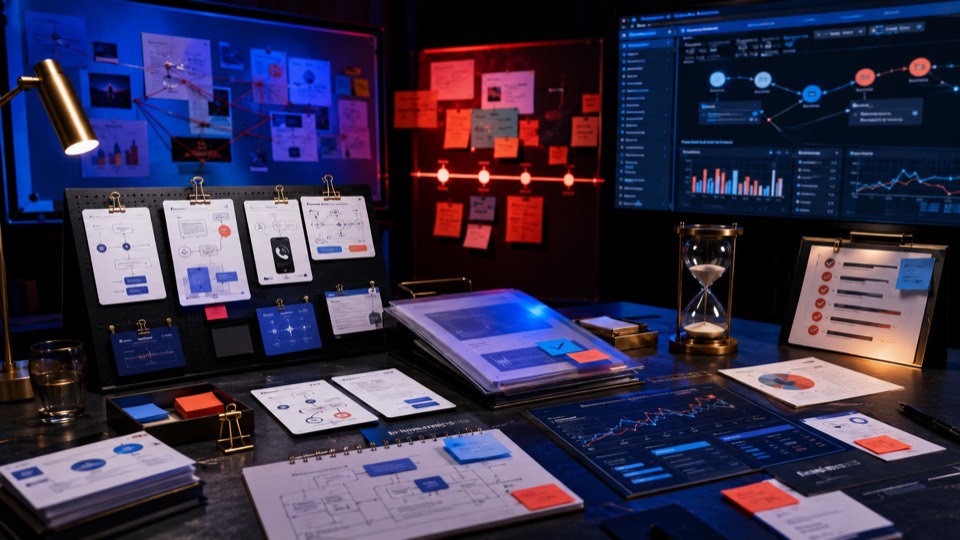
You start with a prompt, and if needed, add references to guide the look, subject, or atmosphere. Then you describe what should happen: the scene, the character or product, the action, the mood, and the camera movement. After that, generate, watch, adjust, and try again.


That last part is important. AI video is still a process of shaping. A good result usually comes from noticing what almost worked and then making the next version clearer.
So who is Seedance 2.0 Mini for?
I would use it when speed and iteration matter more than squeezing out the most polished result possible on the first try. It is a good fit for short-form videos, ad concepts, product previews, social content, and early creative tests.
If you are making a hero video where every detail needs to be pushed as far as possible, Seedance 2.0 may be the better choice. But if you want to move quickly, explore more directions, and find the idea before polishing it, Seedance 2.0 Mini feels like the more practical starting point.
That is probably the best way to think about it.
Seedance 2.0 Mini is not here to replace the bigger creative decision. It helps you get to that decision faster. It gives you more drafts, more angles, and more chances to find the version that actually works.